The job's done.
Getting paid shouldn't be the fight.
Your office and your field crew, finally in one system.
CRM · Scheduling & Dispatch · Estimates · Invoicing · Memberships · Accounting · AI Front Desk
The estimate you never chased. The invoice still sitting unsent. The customer who'd have booked again if anyone had called. That is money you already earned, walking out quietly.
TradesBackbone closes those gaps on its own — and runs the rest of the shop while it does. Scheduling and dispatch. Memberships and service agreements. Warranties, purchasing, double-entry accounting and job costing. An AI Brain working the back office beside you. Office staff at a desk, techs on a phone, one set of records.
It does not stop at the invoice either. Mark a job complete and a thank-you text carrying your review link goes out on its own a couple of hours later (you set the delay), to customers who agreed to texts. Flat monthly price with seats included, not a fee per tech, and running the same afternoon you sign up.
From $129/mo — 3, 10 or 25 users included with the plan, then $40/mo per extra user. No contracts. Cancel anytime.
Switching from Jobber, Housecall Pro, ServiceTitan, Markate, Tradify, or QuickBooks? We migrate your data — customers, jobs, and invoices come across from your old system's export files, with a preview before anything is saved.
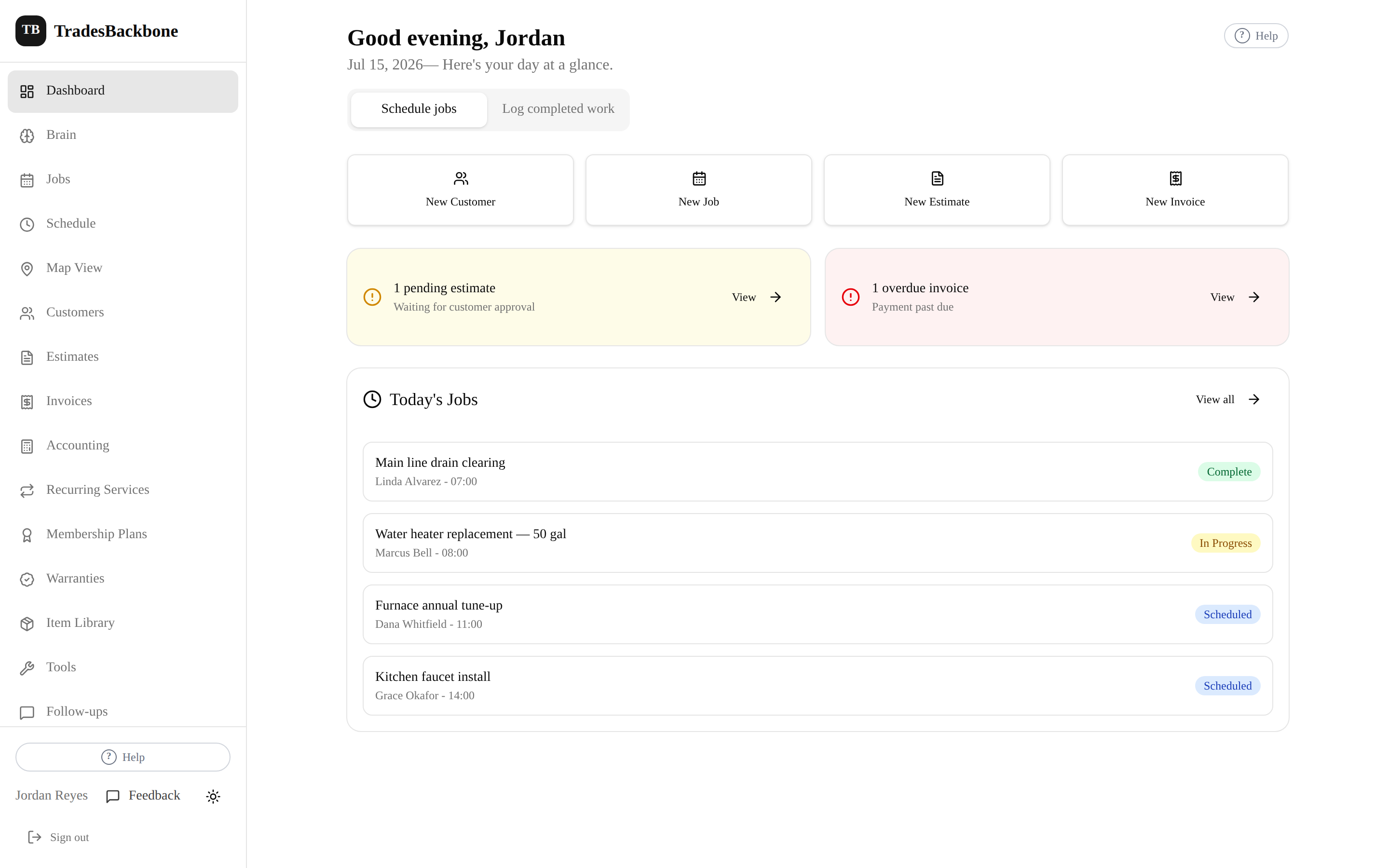
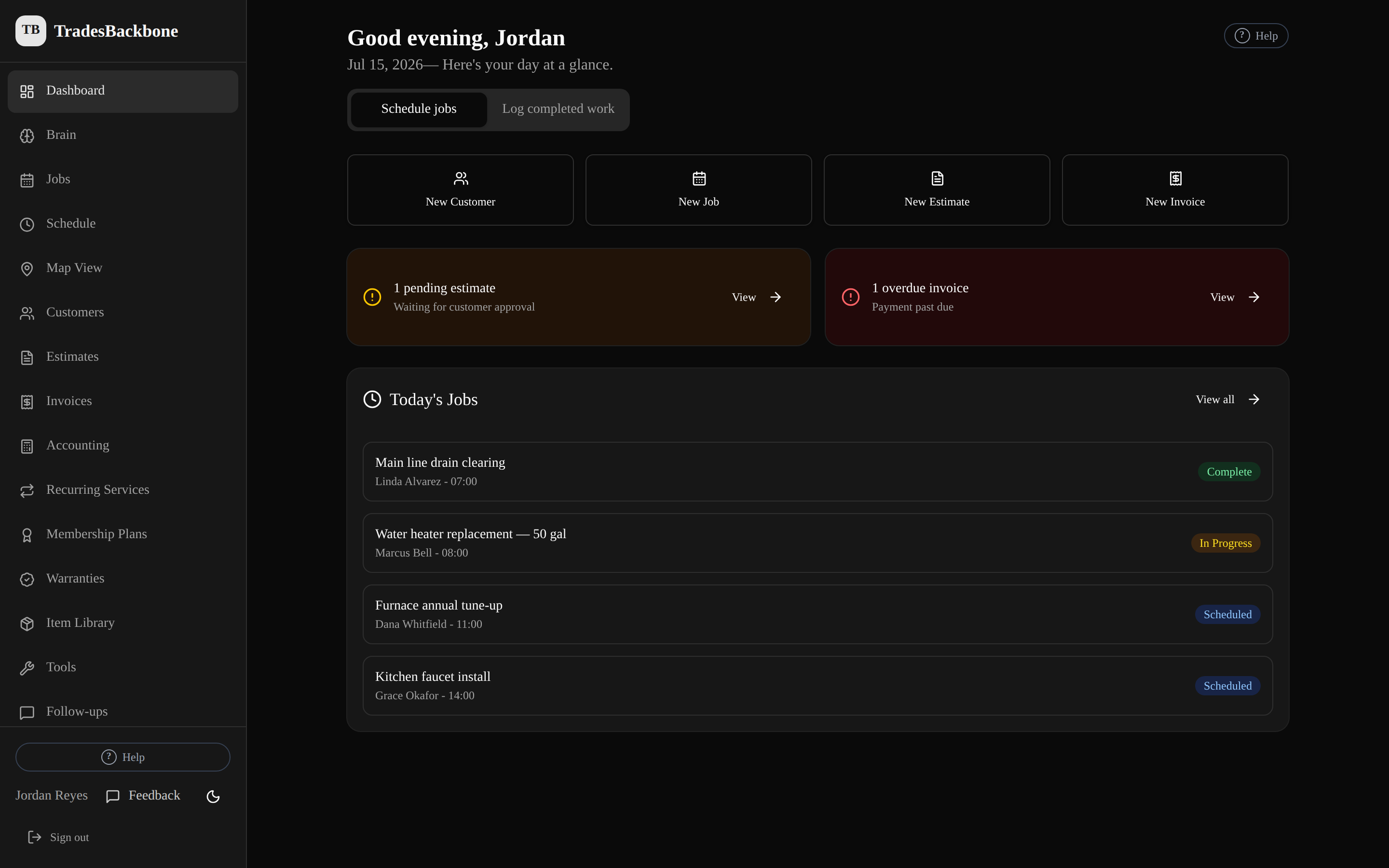
Your day at a glance — today's jobs, estimates waiting on approval, and what's overdue.
The work is the easy part. Staying on top of it isn't.
A notebook on the dash and a thread of texts is how a $1,800 estimate goes cold and an invoice sits unsent for three weeks. TradesBackbone puts every customer, job, estimate, and invoice in one place — and sends the follow-ups for you — so nothing that pays you slips through the cracks.
Not another platform you'll never fully use
It sits between a paper notebook and an enterprise system built for a call center — built for a working shop, not an IT department.
What TradesBackbone isn't
- No charge for the first 3, 10 or 25 people — seats come with the plan
- No week-long onboarding or implementation fees
- No software admin needed to keep it running
- Not an enterprise system you have to grow into
What TradesBackbone is
- Customers, jobs, estimates, and invoices in one place
- Set up in 15 minutes — if you can text, you can run it
- One flat monthly price, no contracts, cancel anytime
- An AI Brain that does the back-office busywork with you
Turn an approved estimate into an invoice in one tap.
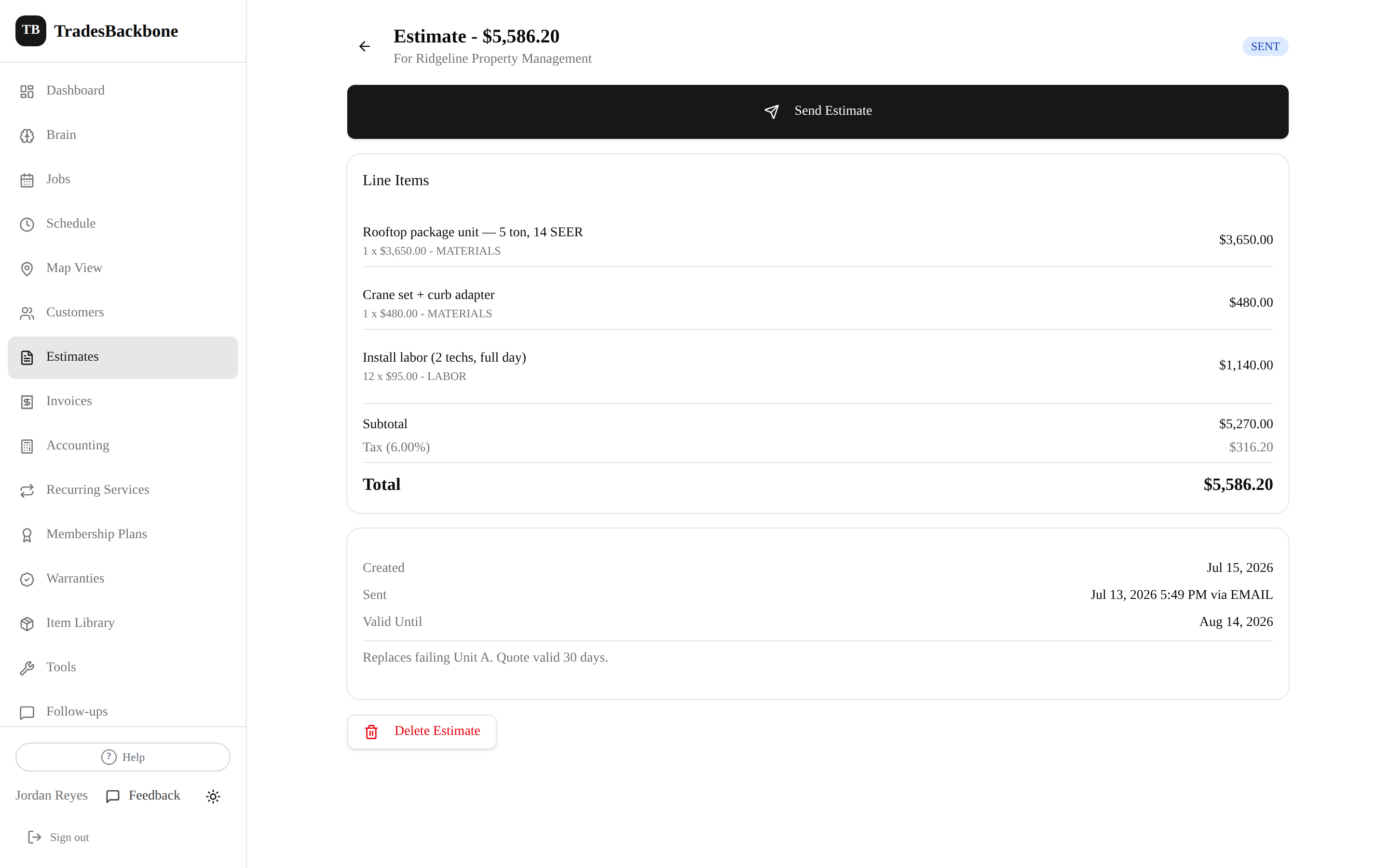
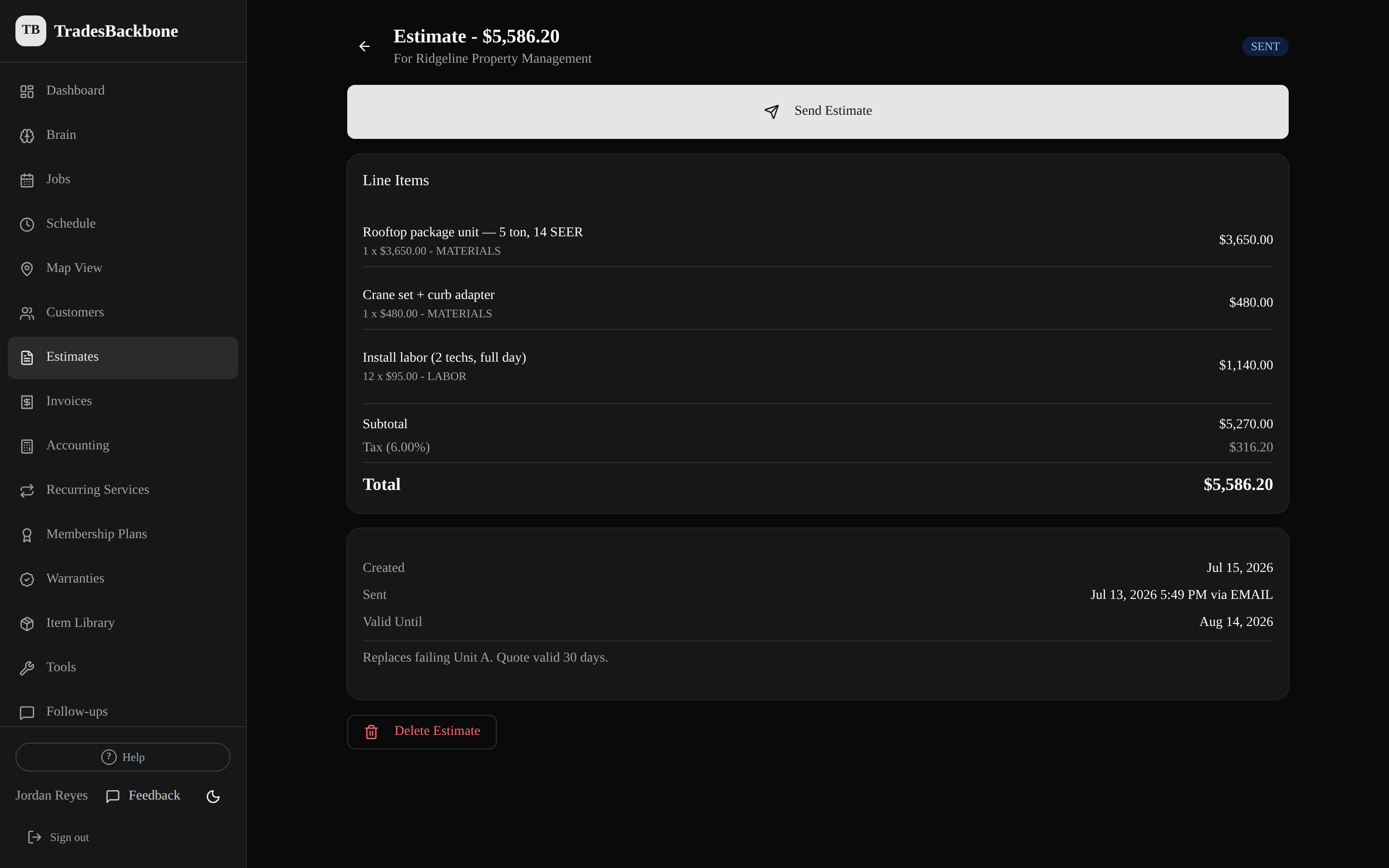
Build the estimate on-site with labor and materials. Text the link; the customer taps Approve. The approval is time-stamped, and the approved estimate becomes an invoice — no re-typing line items.
- Separate labor and materials, with subtotals
- One-tap customer approval by text or email — no app for them
- Approved estimate → invoice with a card-payment link
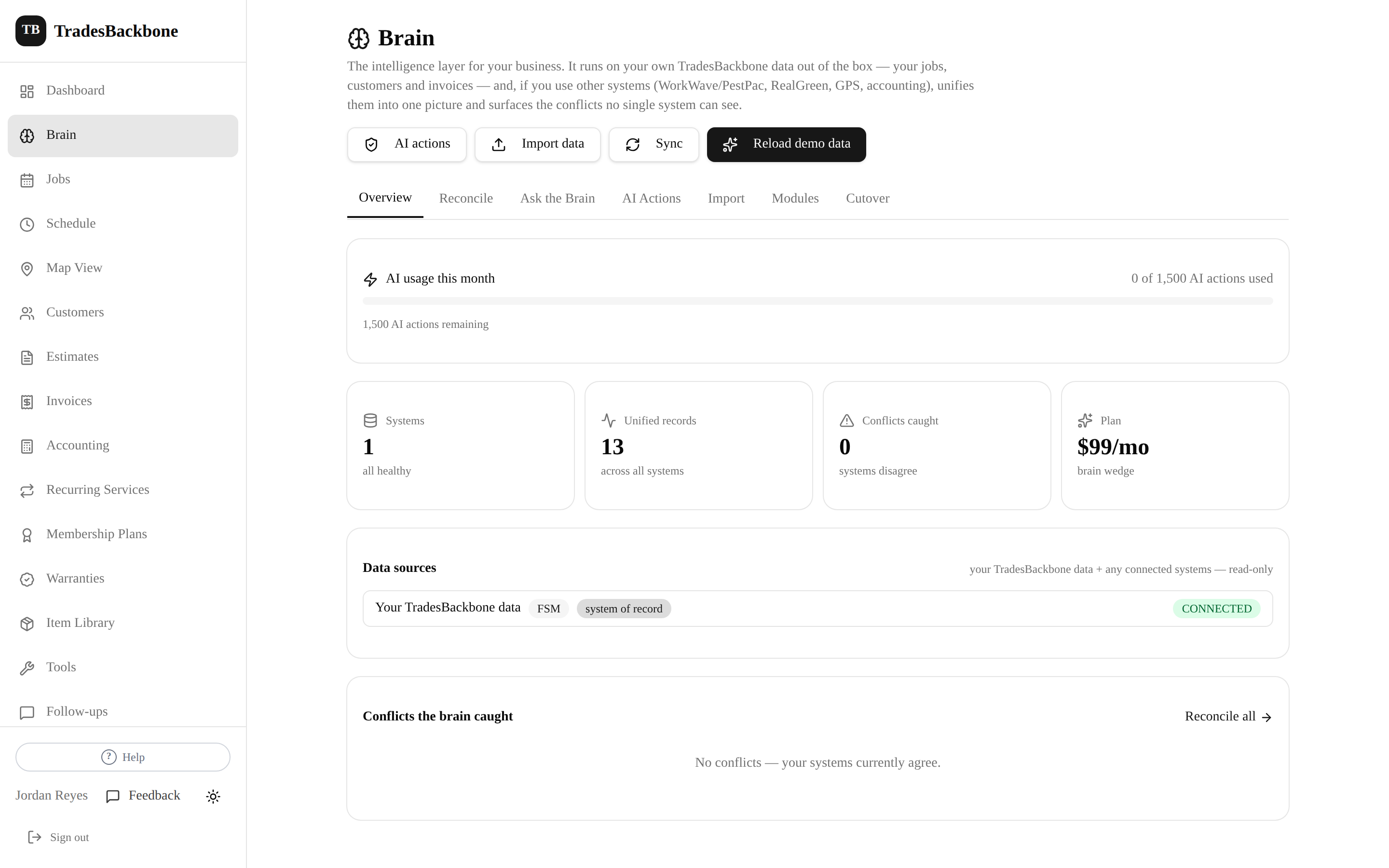
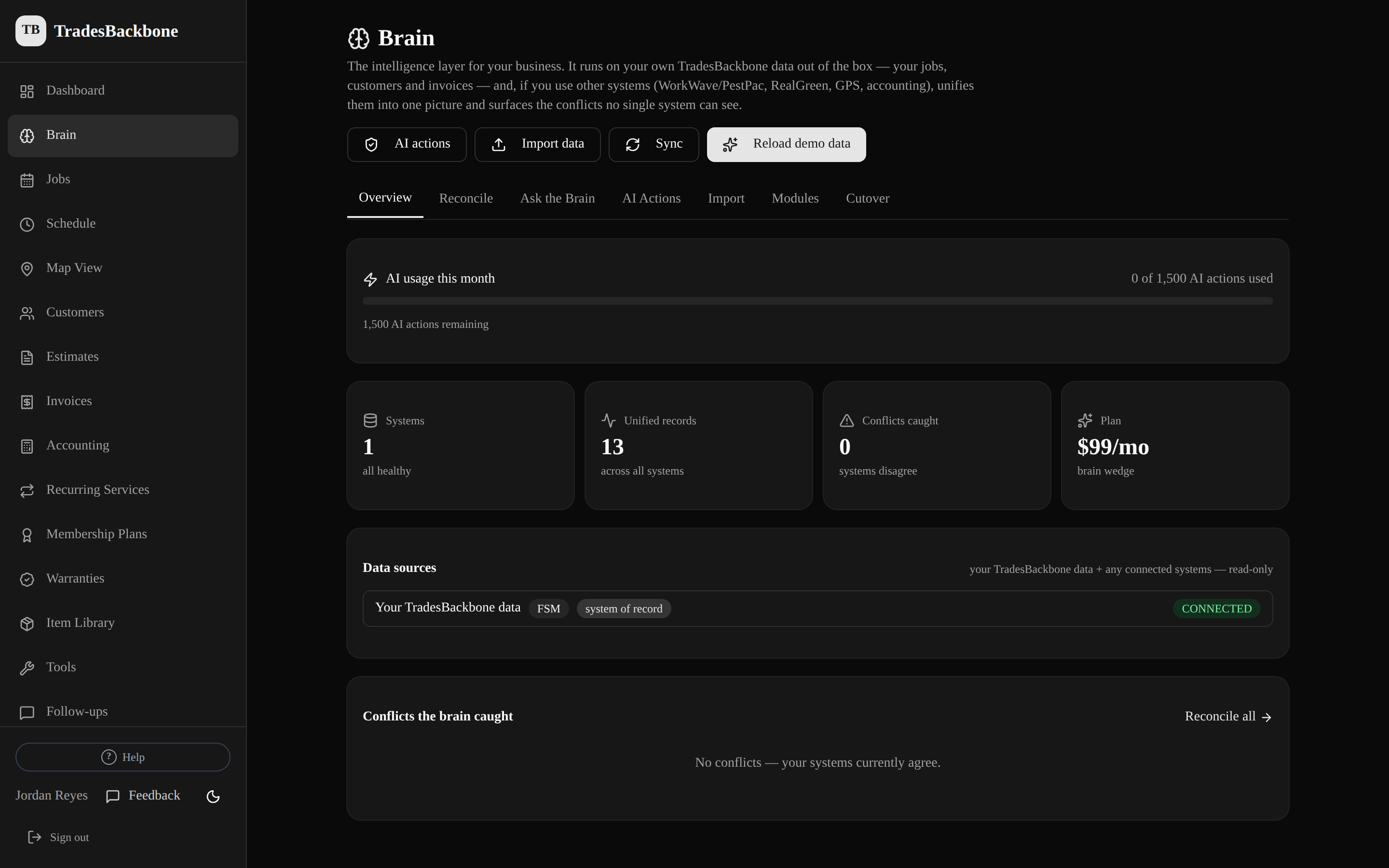
A back office that thinks, not just stores.
The Brain runs on your own TradesBackbone data out of the box. Ask it plain-English questions, have it draft follow-ups and estimates, and — if you already run other systems — unify them and surface the conflicts no single system can see. It comes with Pro and Elite, metered by AI actions rather than billed separately, and you can pause every AI feature at once from Settings → AI controls.
- Ask about your jobs, customers, and invoices in plain English
- Drafts follow-ups and estimates so you don't start from scratch
- Metered by AI actions — you only pay for the smarts you use
Nobody has to come back to the office
Techs run the day from the truck — add a customer, build an estimate, send an invoice, snap before/after photos. The office sees every bit of it land, on the same records, as it happens.
Works in any phone's browser today — nothing to install. Native Android and iOS apps are coming in the next few weeks.
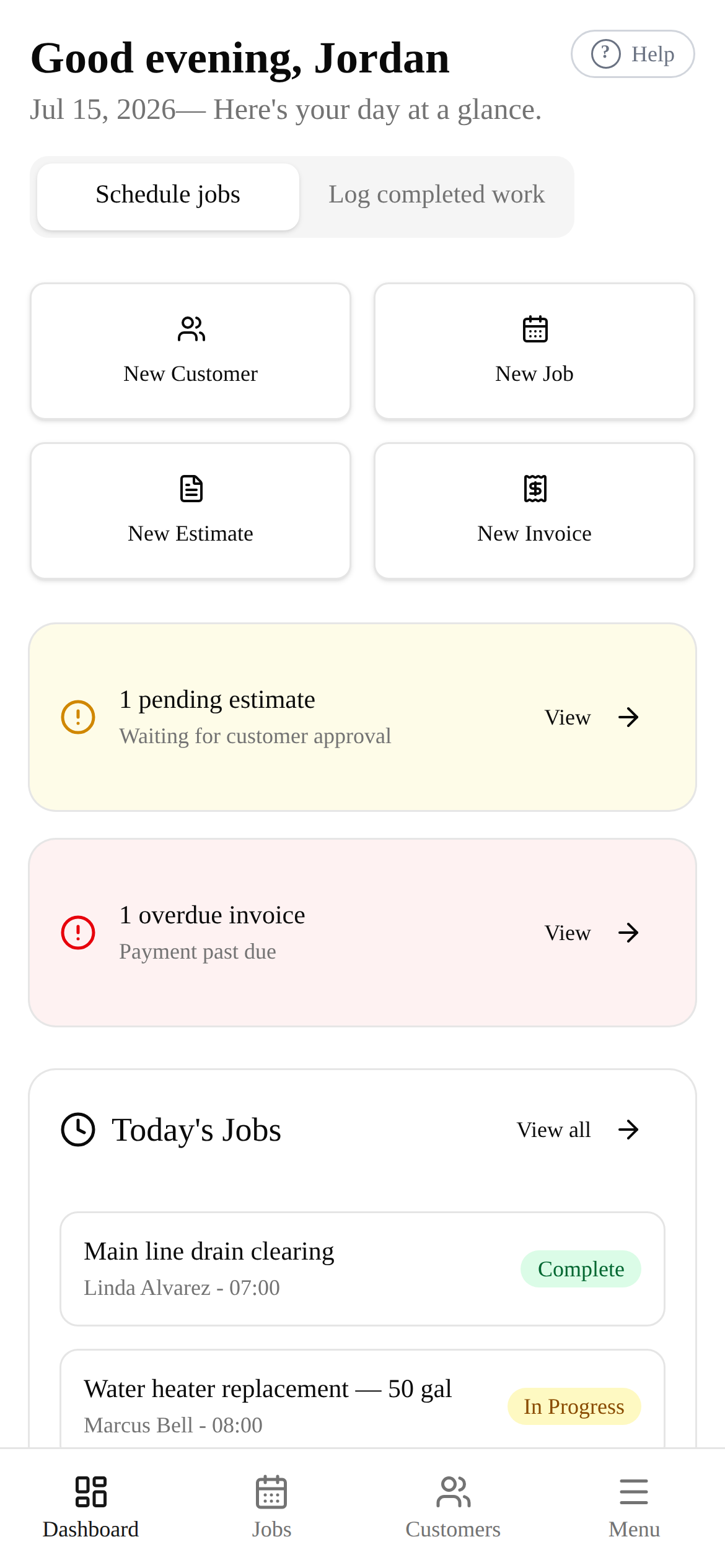
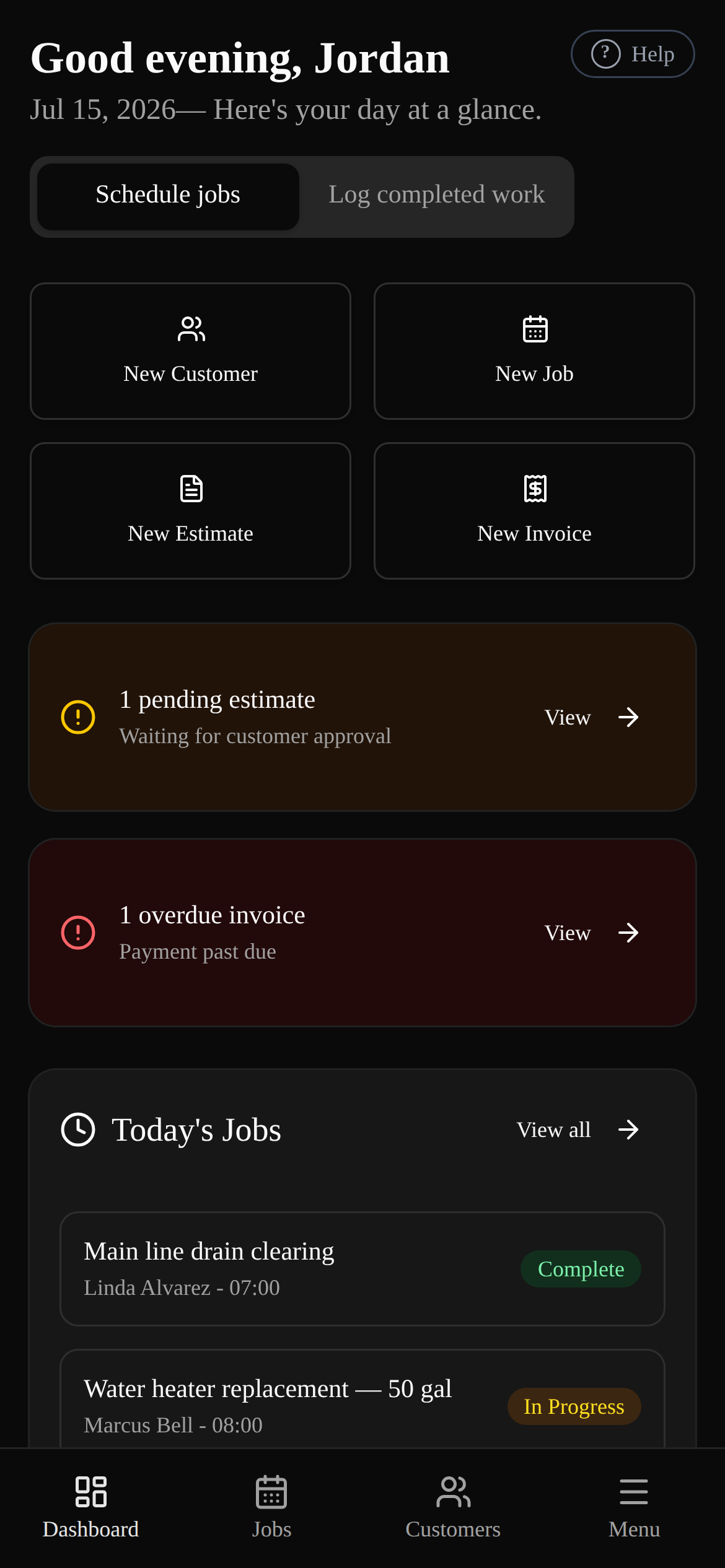
Your day, in your pocket
Today's jobs, what's pending, and one-tap actions to add work.
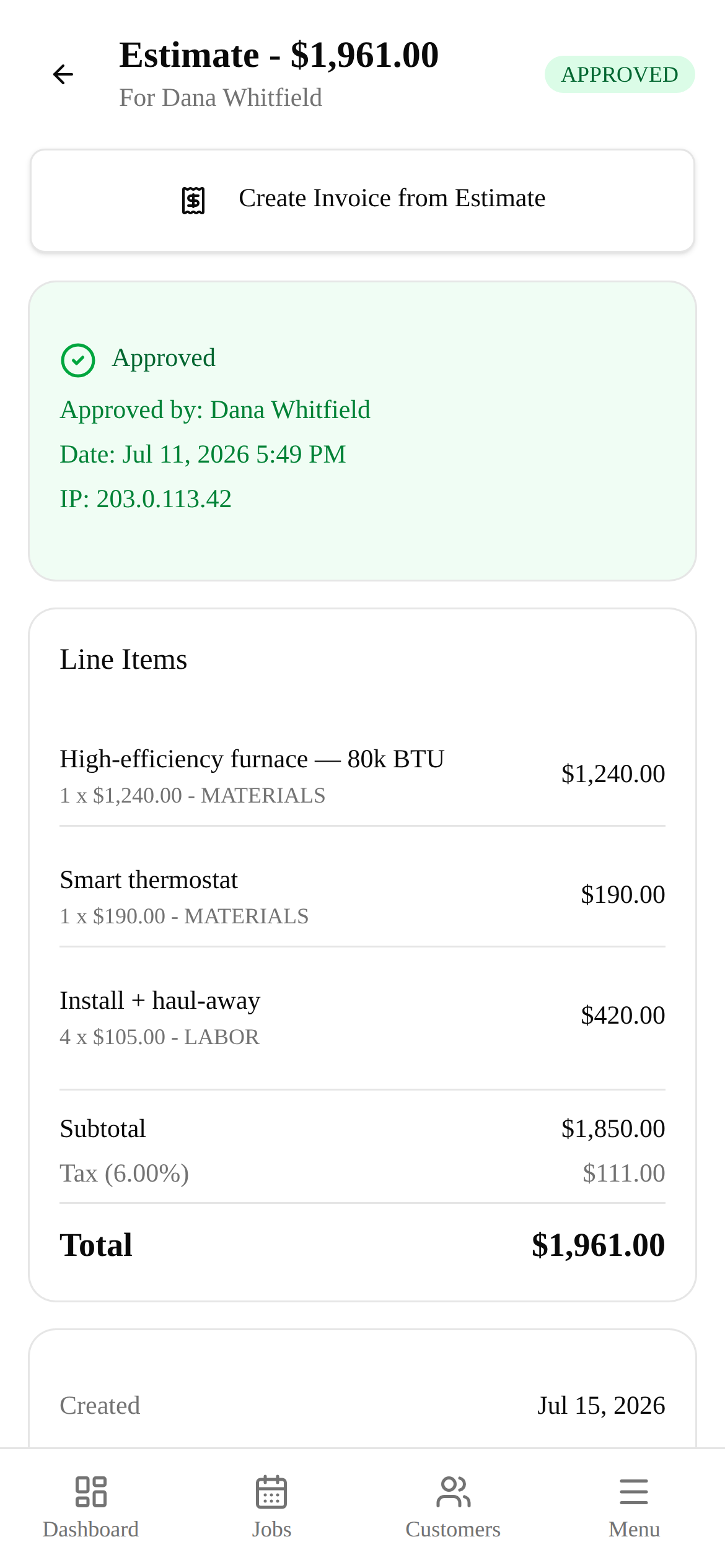
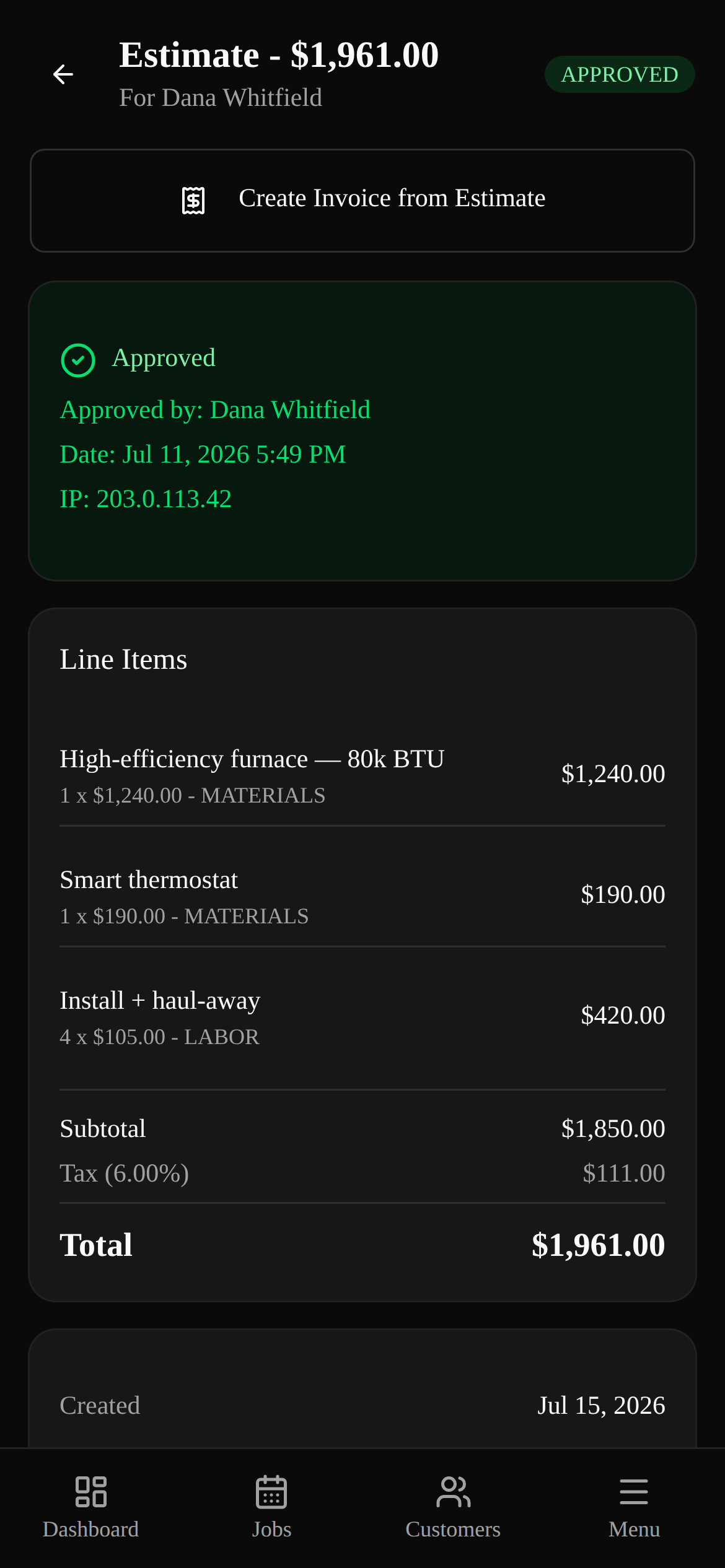
Estimate on-site, sent before you leave
Line-item labor and materials, then text it for a one-tap approval.
How it works
Three steps. Fifteen-minute setup. Done.
Add the customer and the job
Name, phone, address, what you're doing — in under 30 seconds, right from the jobsite.
Send the estimate, they approve by text
Build it on-site, text the link, they tap Approve. Turn the approved estimate straight into an invoice.
Get paid — follow-ups send themselves
Card payment link in the invoice. Thank-you texts, review asks, and overdue reminders go out automatically.
Everything you need. Nothing you don't.
Between a notebook and an enterprise platform. Set up in 15 minutes.
Who it's for
The owner-operator and small crew doing the work themselves.
Plumbing · HVAC · electrical
Break-fix and install crews juggling a day of calls — schedule the work, estimate on-site, invoice before you leave the driveway.
Pest · lawn · recurring routes
Pick your trade and the app relabels itself — 'Services' and 'Accounts', recurring programs up top, so it reads like your business.
Handyman · cleaning · home services
One owner and a helper or two. Everything you need to look organized to customers, nothing you'll never touch.
Built for shops of 3 to 25 — dispatch, roles and per-seat access included, without the six-week enterprise onboarding.
Simple pricing. No surprises.
The AI Brain comes with Pro and Elite, metered by AI actions. No annual contracts. No implementation fees. Seats come with the plan.
One invoice you would've forgotten pays for months of TradesBackbone.
Your plan includes the software, the setup guides and email support. Want us to set it up for you? That's done-for-you, quoted per project.
Why trades businesses trust TradesBackbone
No fake reviews, no invented stats — just how the product actually works.
Runs from your phone
Add a customer, build an estimate, send an invoice, snap before/after photos — all from the jobsite. No desktop required.
You stay the business of record
TradesBackbone organizes your work and reaches your customers. You do the jobs, set your prices, and own the customer relationship — we're just the tool.
Your card never touches our servers
Subscription billing and customer card payments run entirely through Stripe's infrastructure — full card numbers never pass through TradesBackbone.
Automatic follow-ups, on your terms
Thank-you texts, review requests, estimate follow-ups, and overdue-invoice reminders send on a schedule you control, with STOP opt-out built in.
Photos stay with the job
Before/after photos upload straight from your phone and attach to the job, so the record is there when a customer or insurer asks.
No contracts, cancel anytime
Monthly pricing, 3, 10 or 25 users included with the plan, then $40/mo per extra user, no implementation cost. Cancel from your settings whenever you want.
Frequently asked questions
Straight answers about how TradesBackbone runs your trades business.
Can you bring my data over from Jobber, Housecall Pro, or ServiceTitan?+
Yes — that's what the import screen is for. Export your customers, jobs, and invoices from your old system (Jobber, Housecall Pro, ServiceTitan, Markate, Tradify, or QuickBooks — any CSV or Excel export works), upload the files, and we match your old system's column names to ours automatically. You see a row-by-row preview before anything is saved, and importing the same file twice updates your records instead of duplicating them. Individual invoice line items don't come across — invoice totals, dates, and balances do.
Is this another ServiceTitan or Jobber?+
Not quite. TradesBackbone has the dispatch board, the roles and the per-seat access — office, dispatcher, tech — so it handles a real shop, not just a solo operator. What it does not have is the six-week implementation, the consultant, or a price that starts per-tech from your first hire — 3, 10 or 25 users come with the plan and extra users are $40/mo each. Set up in about 15 minutes, and it still fits at 3 people and at 25.
Do I have to use the AI?+
No. The AI Brain comes with Pro and Elite — Starter doesn't include it, so nothing about jobs, estimates, or invoices depends on the AI at all. If you're on Pro or Elite, Settings → AI controls has one master switch that pauses every AI feature at once. Pausing doesn't change your bill: the Brain is part of the plan, metered by AI actions rather than billed separately.
Does my data go to an AI company?+
Yes, when you use an AI feature — and here's exactly what. Our AI provider is Anthropic (the Claude models). When you ask the Brain a question, your question and the records it needs to answer — customers, jobs, estimates, invoices, your price book — are sent to Anthropic to produce the answer. If you switch the AI Front Desk on, a text one of your customers sends to your business number goes to Anthropic too, along with the recent thread and your hours, service area, and price book, so a reply can be drafted. Anthropic processes it to give you the result and does not use it to train its models. Nothing is sent while the AI is paused — Settings → AI controls has one switch that stops every AI feature at once. Full detail is in Section 15 of our Privacy Policy.
Will the AI text my customers or change my numbers on its own?+
Only if you tell it to, and it ships switched off. The AI Front Desk is the one feature that can send a text on its own, it is off until you enable it, and its default setting holds every reply for your approval. You can move it up to auto-send if you want that — at which point it does reply to your customers without you seeing each message first, which is the point of an after-hours receptionist, but it's your choice and you can move it back any time. Everything else stays with you: the AI drafts follow-ups and estimate wording, you send them; automated follow-ups go out on the schedule you configure; estimate and invoice totals come from the line items you enter, never from the AI. Anything the AI would create or change — a job, a customer, a draft estimate or invoice, a booking — waits in your approvals queue until a person approves it. Every text carries a STOP opt-out.
What does TradesBackbone actually do?+
It runs a trades shop end to end: customer contacts, job scheduling and dispatch, estimates, invoicing with card payments, automated customer follow-ups by text and email, and photo documentation. Office staff work it from a desk, techs from a phone, on the same data. It sits between a paper notebook and an expensive enterprise field-service platform.
Do you send texts and emails to my customers?+
Yes — on your behalf and at your direction. You configure follow-ups (thank-you and review-request texts after a job, estimate follow-ups, overdue-invoice reminders) and TradesBackbone sends them by SMS via Twilio and email via Brevo. You are the sender, so you're responsible for having permission to contact each customer.
What about consent and the TCPA?+
Because you're the sender, you must have the consent the law requires before texting a customer — including TCPA prior express consent where it applies. Every outbound text includes "Reply STOP to opt out," and once a customer opts out we automatically suppress further automated texts to them. Keeping your own consent records is part of using the tool responsibly.
Can I use it to ask customers for reviews?+
Yes, review requests are a built-in follow-up. You're responsible for following each review platform's policies (Google, Yelp, Facebook, etc.) and FTC rules on reviews — no fake, incentivized, gated, or deceptive review tactics. The tool sends the ask; honest reviews are on you.
How do payments work?+
Card payments — both your monthly subscription and any invoices you collect from your own customers — are processed by Stripe. We never store full card numbers. Money your customers pay flows through Stripe under its terms; we're not a party to those transactions.
Where are my job photos stored?+
Photos you upload attach to the relevant job and are kept in private cloud storage (Cloudflare R2). Only people signed in to your business can open them, unless you choose to share one, for example on a job report or your website gallery. They may show property and sometimes people, so make sure you have the right to capture and store them. We don't sell your photos or use them for advertising.
Is this financial, tax, or legal advice?+
No. Estimates, invoices, totals, and tax-rate fields are calculations based on what you enter, provided for convenience. TradesBackbone is a software tool, not an accountant, attorney, or insurer. Verify your own figures, pricing, taxes, licensing, and compliance, and consult a qualified professional when it matters.
Who owns the customer data I enter?+
You do. You're the controller of your customers' information and we process it on your behalf to run the Service. We don't sell your data or your customers' data. If one of your customers asks us about their data, we route them back to you.
How does billing and the free trial work?+
Start with a free trial; if you don't cancel before it ends, your plan converts to a recurring monthly subscription and your card is charged the plan fee. You can cancel anytime from settings — cancellation stops future charges at the end of the period you've paid for. Fees for the current period aren't refunded.
Can my crew use it too?+
Yes, on plans that include multiple users. You invite team members and are responsible for their activity under your account. Role-based access keeps the right people on the right views.
Is my data secure?+
We use encryption in transit, hashed passwords, access controls, and reputable infrastructure and payment providers. No system is perfectly secure, so keep your login confidential and be careful who you invite. Billing runs through Stripe, so card details never touch our servers.
What happens to my data if I cancel?+
You keep access through the end of your paid period. Export anything you want to keep before you leave. After your account closes we delete or anonymize your business data within a reasonable period, except records we're required to retain by law.
Still have questions?
Start your free trialStop losing jobs to disorganization.
Trade your notebook and scattered texts for one place that runs the back office for you.
Start Your Free Trial